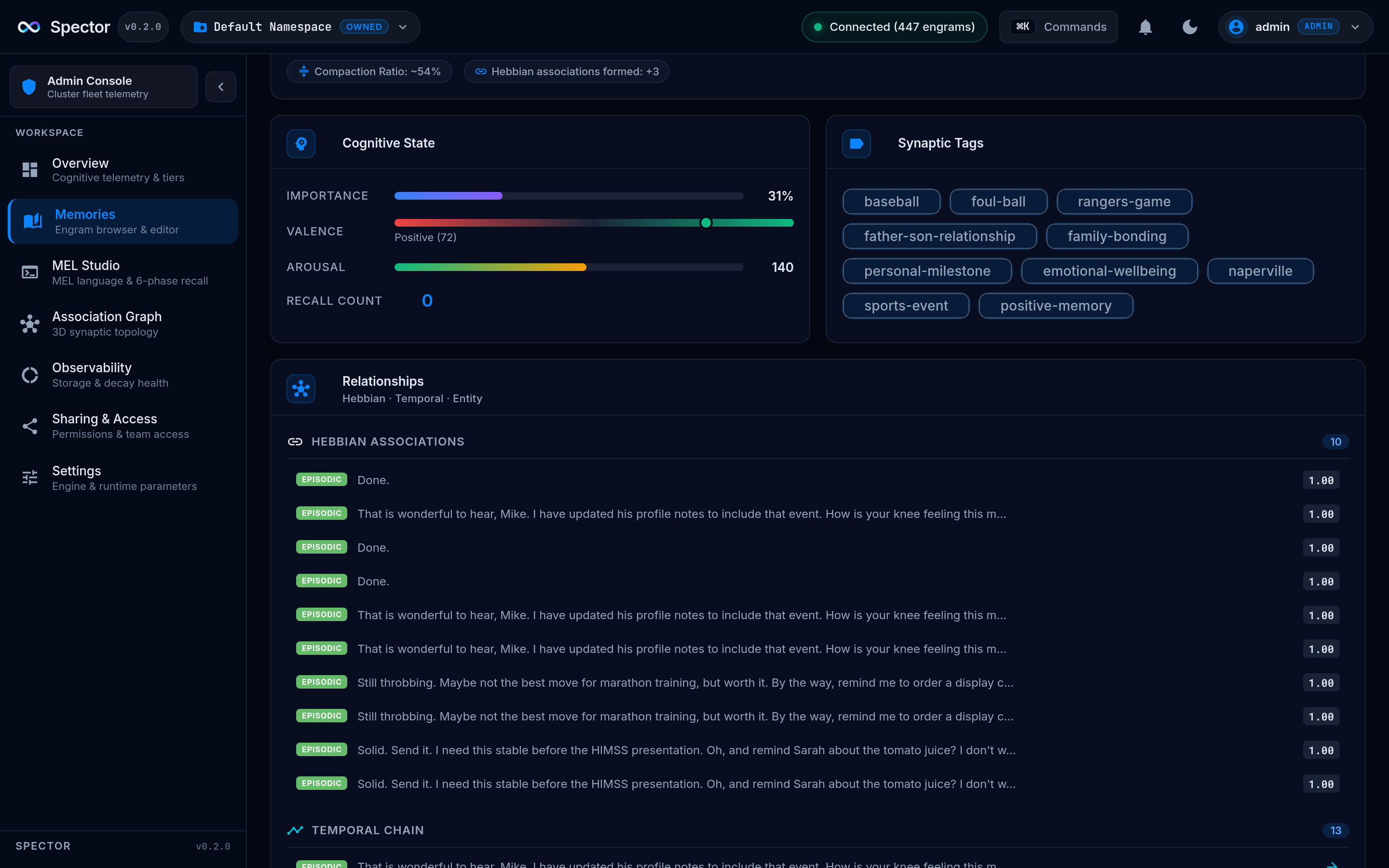
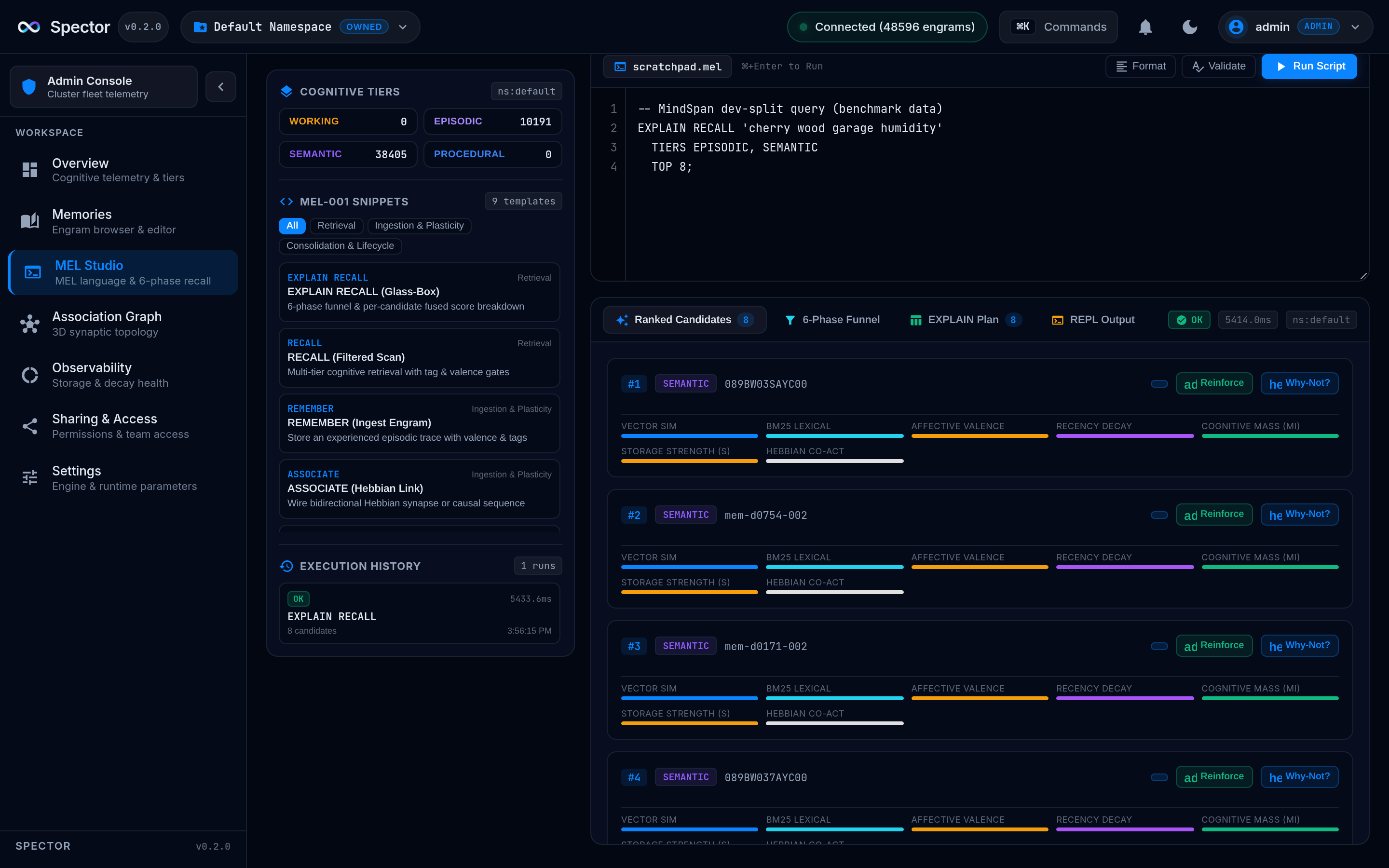
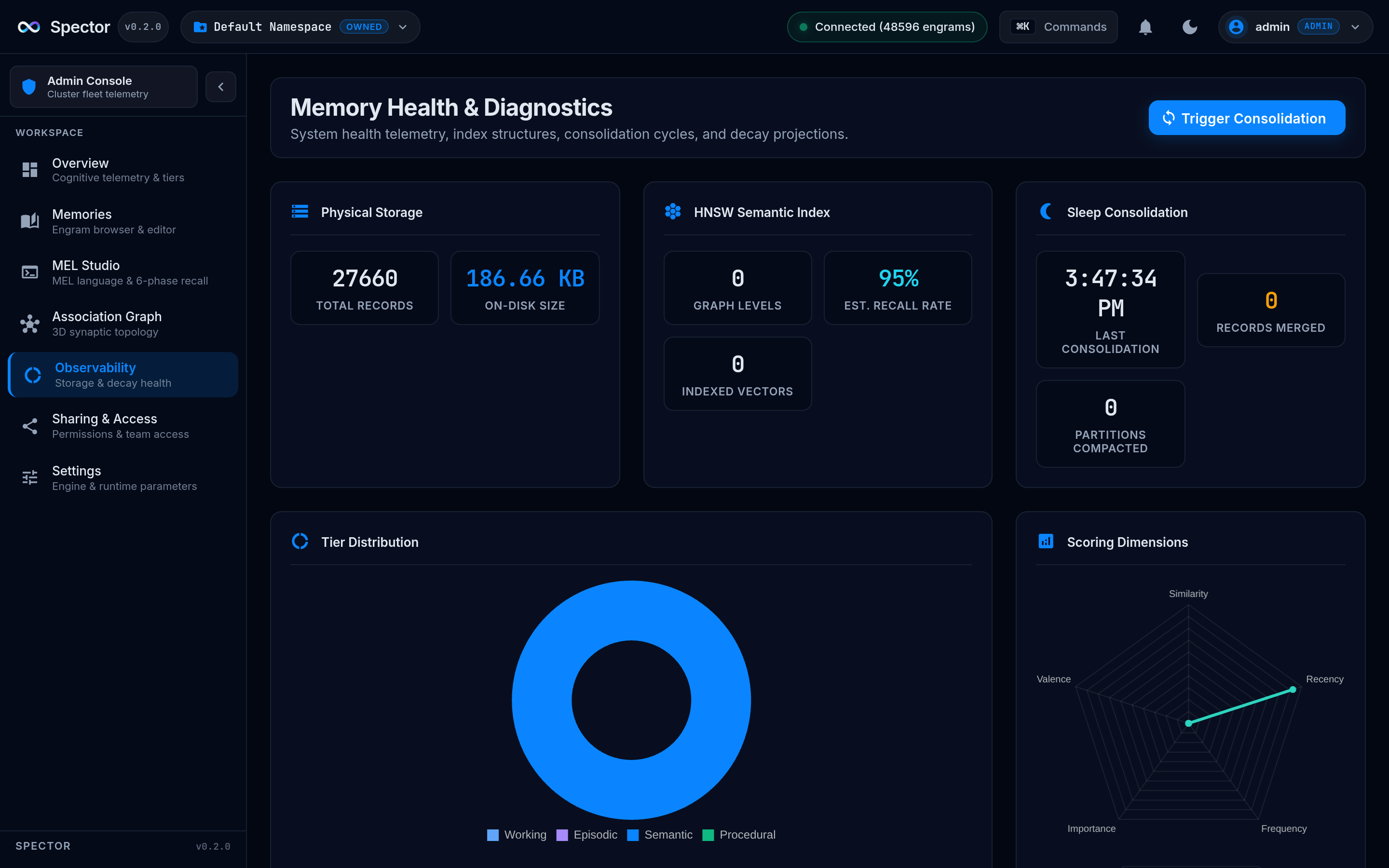
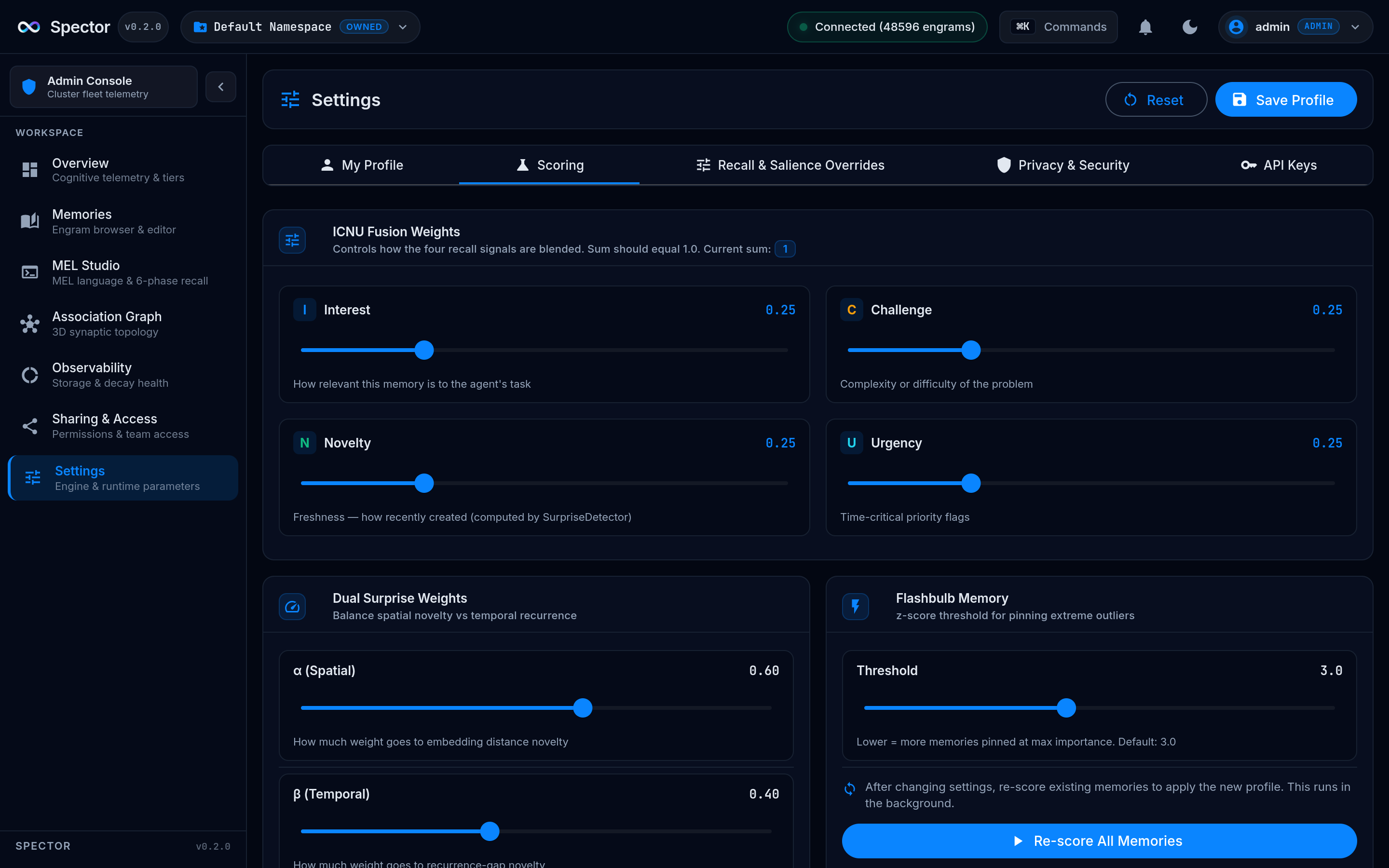
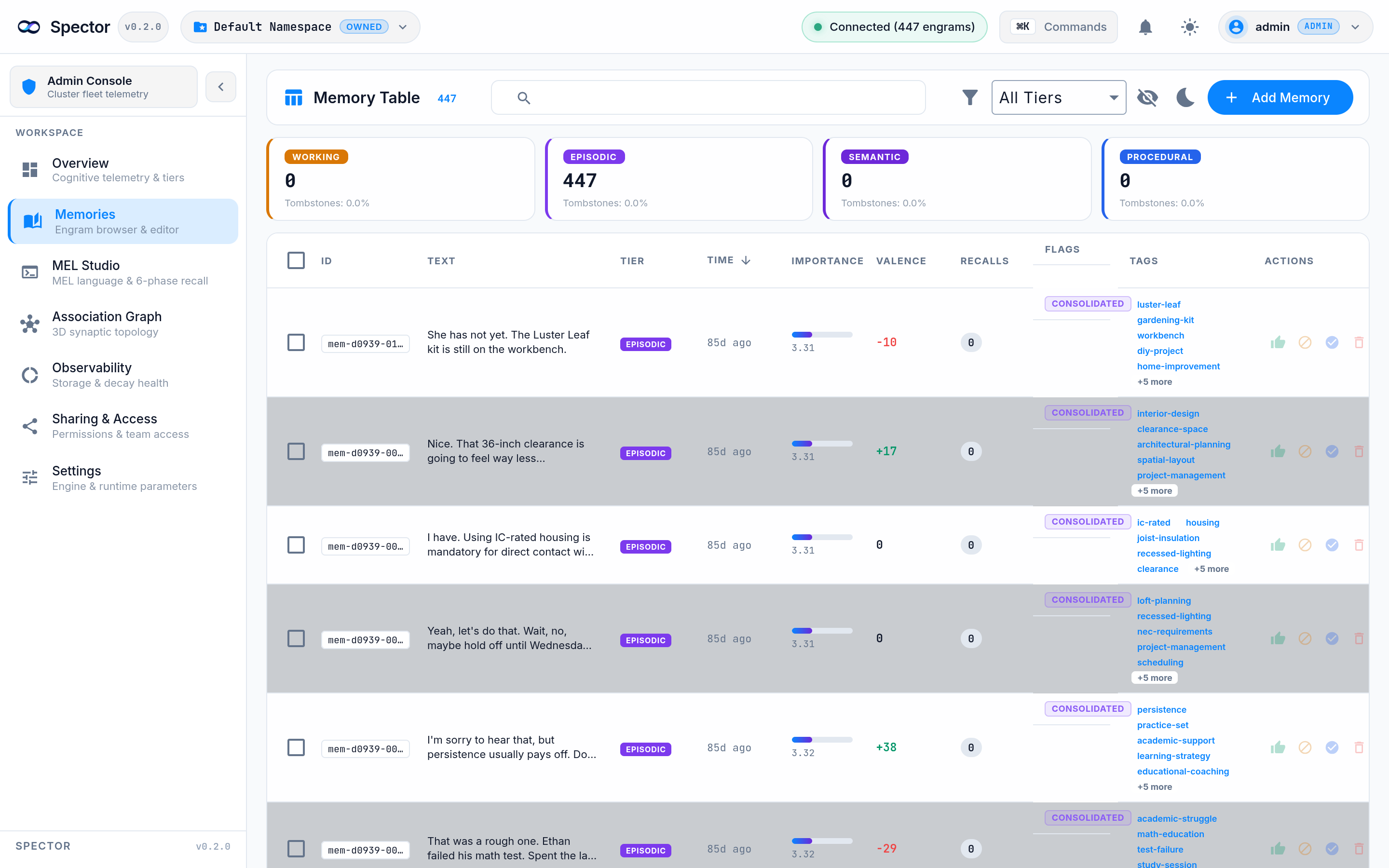
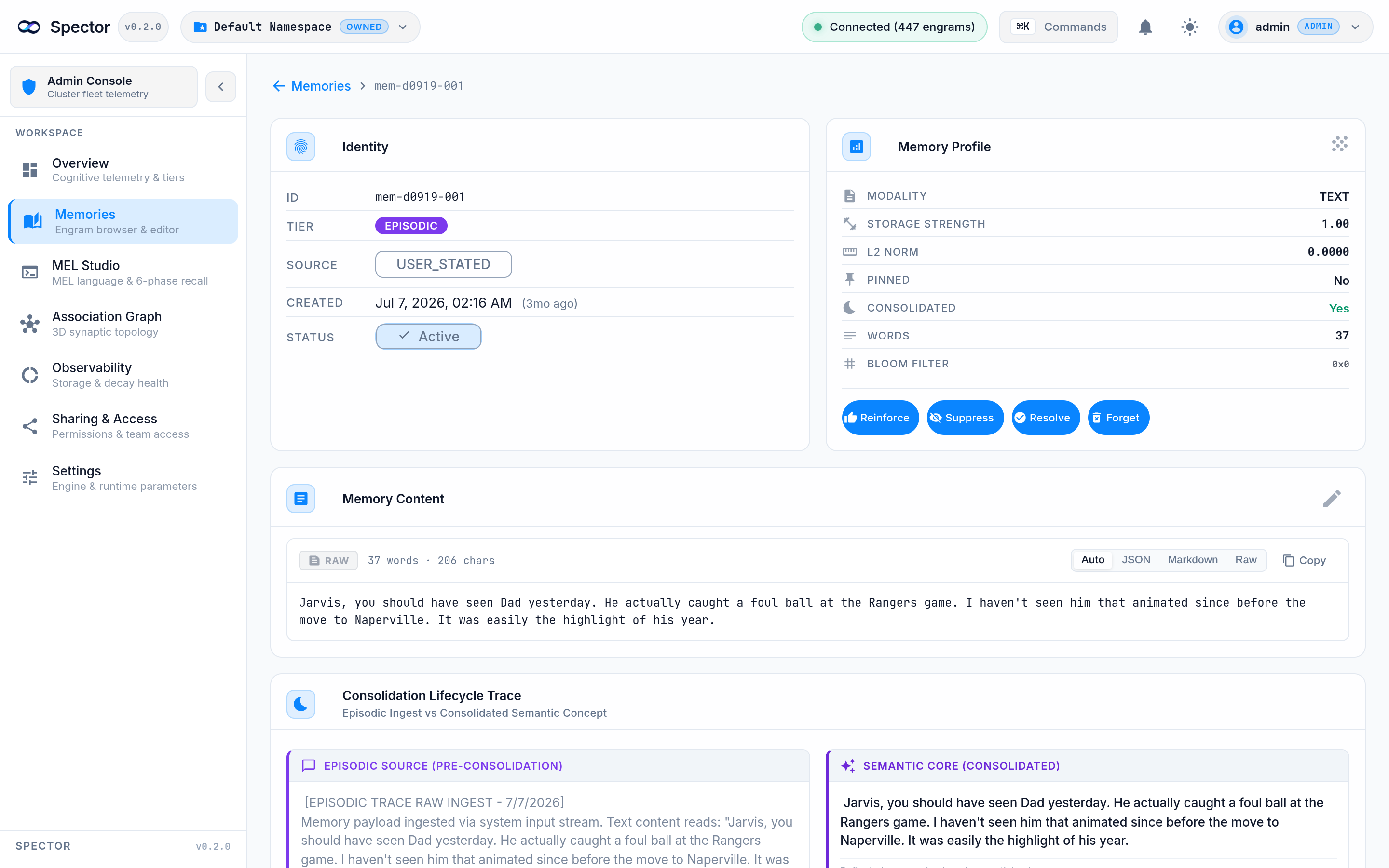
🧬 Spector Cortex — Neural Dashboard
The Vision
What if you could watch your AI's brain think? Spector Cortex is a real-time neural dashboard that visualizes the cognitive memory engine — from SIMD lanes firing to Hebbian edges strengthening to memories decaying along the Ebbinghaus curve. It's the difference between a black box and a living brain.

Overview
Spector Cortex is an Angular 21 standalone application that provides a real-time, interactive visualization of Spector's cognitive memory engine. It connects to a running Spector Node via SSE (Server-Sent Events) and renders every cognitive event — queries, recalls, consolidation cycles, graph mutations — as they happen.
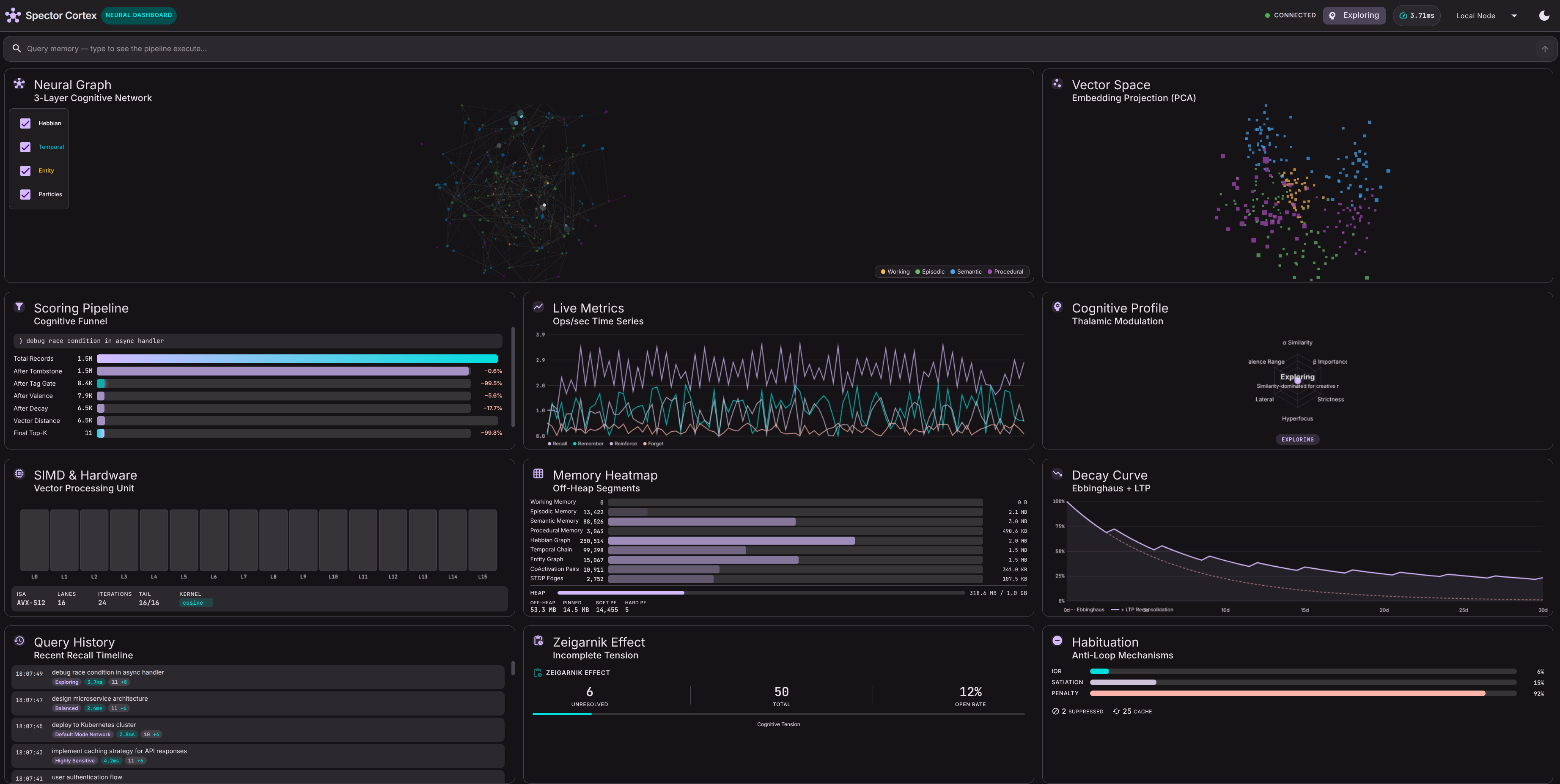
The dashboard is built around 12 panels organized in a responsive 3-column grid, each visualizing a different aspect of the cognitive pipeline:
| Panel | Visualization | What It Shows |
|---|---|---|
| Neural Graph | Three.js 3D graph | 200-node cognitive network with Hebbian, temporal, and entity edges — particles flow along connections during query spreading activation |
| Vector Space | Three.js point cloud | 300-point PCA-projected embedding space with query dot and nearest-neighbor lines |
| Scoring Pipeline | Animated funnel bars | The 6-phase cognitive scoring funnel — from total records → tombstone → tags → valence → decay → distance → final top-K |
| Live Metrics | Canvas time-series | Real-time recall/remember/reinforce/forget rates plotted as multi-line chart |
| Cognitive Profile | Canvas radar chart | 6-axis radar showing current thalamic modulation parameters (α, β, strictness, hyperfocus, lateral, valence range) |
| SIMD & Hardware | Canvas register grid | 16-lane SIMD register heatmap showing vector processing utilization |
| Memory Heatmap | Canvas segment bars | Off-heap memory segment utilization across all 4 tier stores + graph structures |
| Decay Curve | Canvas overlay chart | Ebbinghaus forgetting curve (dashed) vs. LTP reconsolidation curve (solid) — shows how recall events boost retention |
| Query History | Scrollable timeline | Chronological query traces with profile, latency, and augmented result counts |
| Zeigarnik Effect | Tension gauge | Unresolved memory count and cognitive tension percentage — the Zeigarnik effect biases recall toward incomplete tasks |
| Habituation | IoR/satiation bars | Inhibition of Return, semantic satiation, and habituation penalty gauges — the anti-filter-bubble mechanisms |
| Query Input | Search bar | Submit queries to see the full pipeline execute in real time |
Architecture
Technology Stack
| Layer | Technology |
|---|---|
| Framework | Angular 21 (standalone, zoneless) |
| UI Components | Angular Material 3 (M3 design tokens) |
| 3D Visualization | Three.js (Neural Graph, Vector Space) |
| 2D Visualization | Canvas 2D API with requestAnimationFrame |
| State Management | Angular Signals (reactive, fine-grained) |
| Real-time Data | SSE via ng-sse-client (mock data available) |
| Styling | SCSS with M3 CSS custom properties (--mat-sys-*) |
| Theme | Dark / Light toggle, fully token-based |
Signal-Based Reactive Architecture
Spector Cortex uses a pure signal-based architecture — no RxJS, no NgRx, no zone.js.
graph LR
SSE["SSE Stream<br/><i>or Mock Data</i>"] --> CS["CortexStateService<br/><i>Signal Store</i>"]
CS --> NG["Neural Graph"]
CS --> VS["Vector Space"]
CS --> PF["Pipeline Funnel"]
CS --> MC["Metrics Chart"]
CS --> PR["Profile Radar"]
CS --> SP["SIMD Panel"]
CS --> MH["Memory Heatmap"]
CS --> DC["Decay Curve"]
CS --> QH["Query History"]
CS --> ZT["Zeigarnik Tracker"]
CS --> HM["Habituation Meter"]
CS --> QI["Query Input"]
CortexStateService is the single source of truth. It holds 20+ signals covering:
- Query state: current trace, query history, running status
- Graph state: nodes, edges, pulses, layer toggles, active profile
- Metrics state: time-series history, decay curves, habituation metrics
- System state: SIMD utilization, memory segments, JVM metrics
- Vector state: embedding points, query vector, nearest neighbors
All components are pure presentation — they read signals and render. No component contains business logic.
Mock Data System
The MockDataService generates realistic runtime data so the dashboard is fully functional without a running Spector Node:
// Toggle mock data on/off via signal
state.useMockData.set(true); // Enable mock data
state.useMockData.set(false); // Switch to real SSE stream
Mock data includes:
- Simulated queries every 2-4 seconds with randomized latency, profile selection, and scoring funnel
- Graph pulses cycling through Hebbian, temporal, and entity edge types
- Reflect cycles with consolidation animations (edge pruning, tombstone compaction)
- Vector points — 300 embeddings in PCA-projected 3D space with natural tier-based clustering
- Metrics time-series — recall/remember/reinforce/forget rates with realistic fluctuation
- Decay curves — 30-day Ebbinghaus + LTP reconsolidation with stochastic recall bumps
- Habituation metrics — IoR, satiation, and penalty values evolving over time
- Zeigarnik tracking — unresolved/total task counts with tension percentage
Quick Start
Prerequisites
- Node.js ≥ 20
- npm ≥ 10
Run Locally
Open http://localhost:4300 — the dashboard starts immediately with mock data.
Connect to a Running Spector Node
By default, the dashboard uses mock data. To connect to a real Spector Node:
- Ensure your Spector Node is running with SSE events enabled
- Update the SSE endpoint in the environment configuration
- Set
useMockDatatofalseinCortexStateService
Panel Deep Dives
Neural Graph
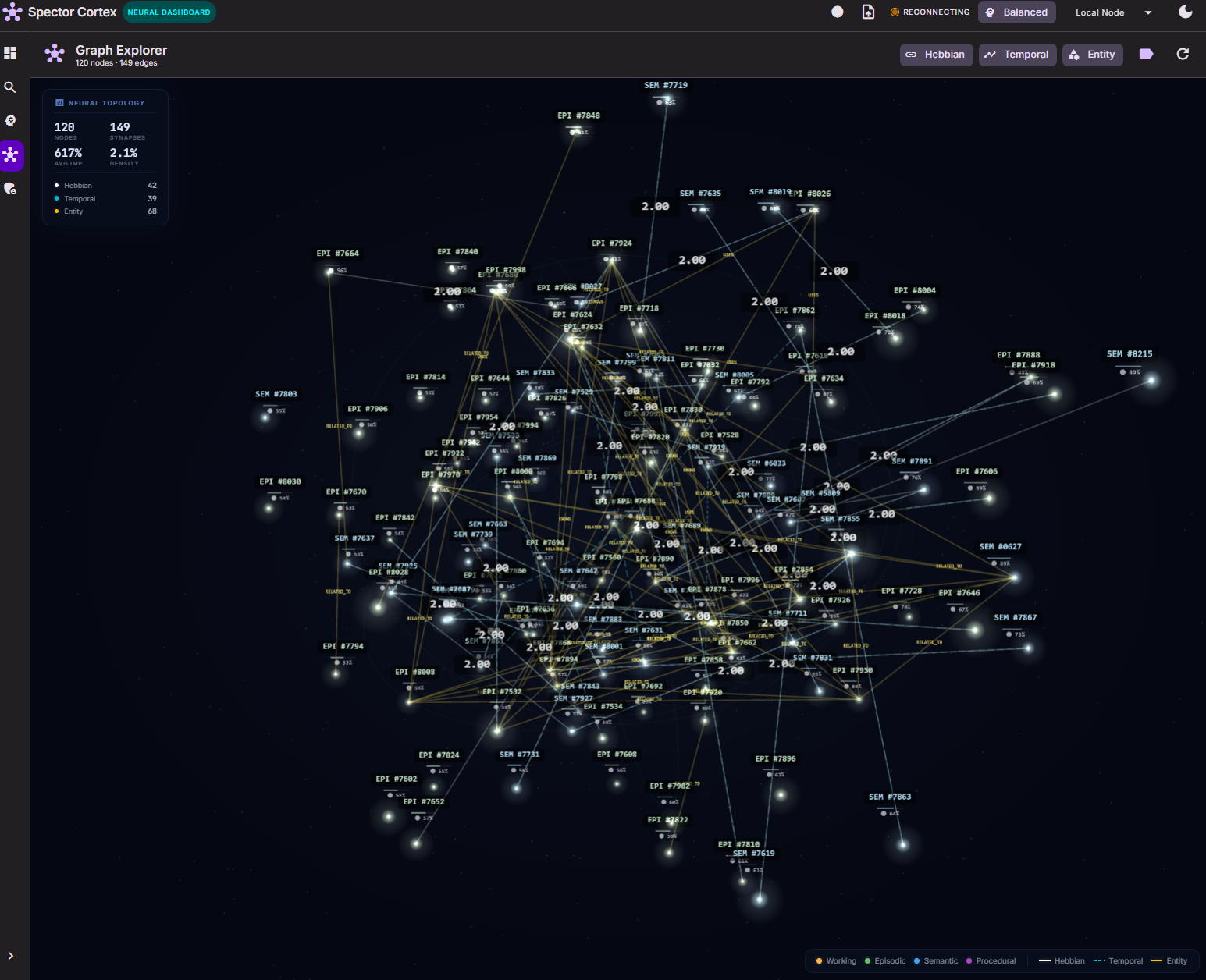
The centerpiece of the dashboard — a Three.js 3D graph with 200 nodes organized by memory tier:
- Node colors: Working (amber), Episodic (green), Semantic (blue), Procedural (purple)
- Node radius: Proportional to tier (Working = inner, Procedural = outer shell)
- 3 edge types:
- Hebbian — solid white lines (co-activation strength)
- Temporal — dashed cyan lines (causal/temporal chains)
- Entity — solid gold lines (entity-relationship knowledge)
Interactive features:
- Layer toggles — show/hide each edge type independently
- Query traversal particles — colored spheres flow along edges during spreading activation
- Particle trails — each particle has a larger, dimmer glow sphere trailing behind
- Ambient particle stream — continuous particles to keep the graph alive
- Profile visual transforms — HYPERFOCUS (tunnel vision), PARANOID (red shift), DIVERGENT (rainbow shimmer)
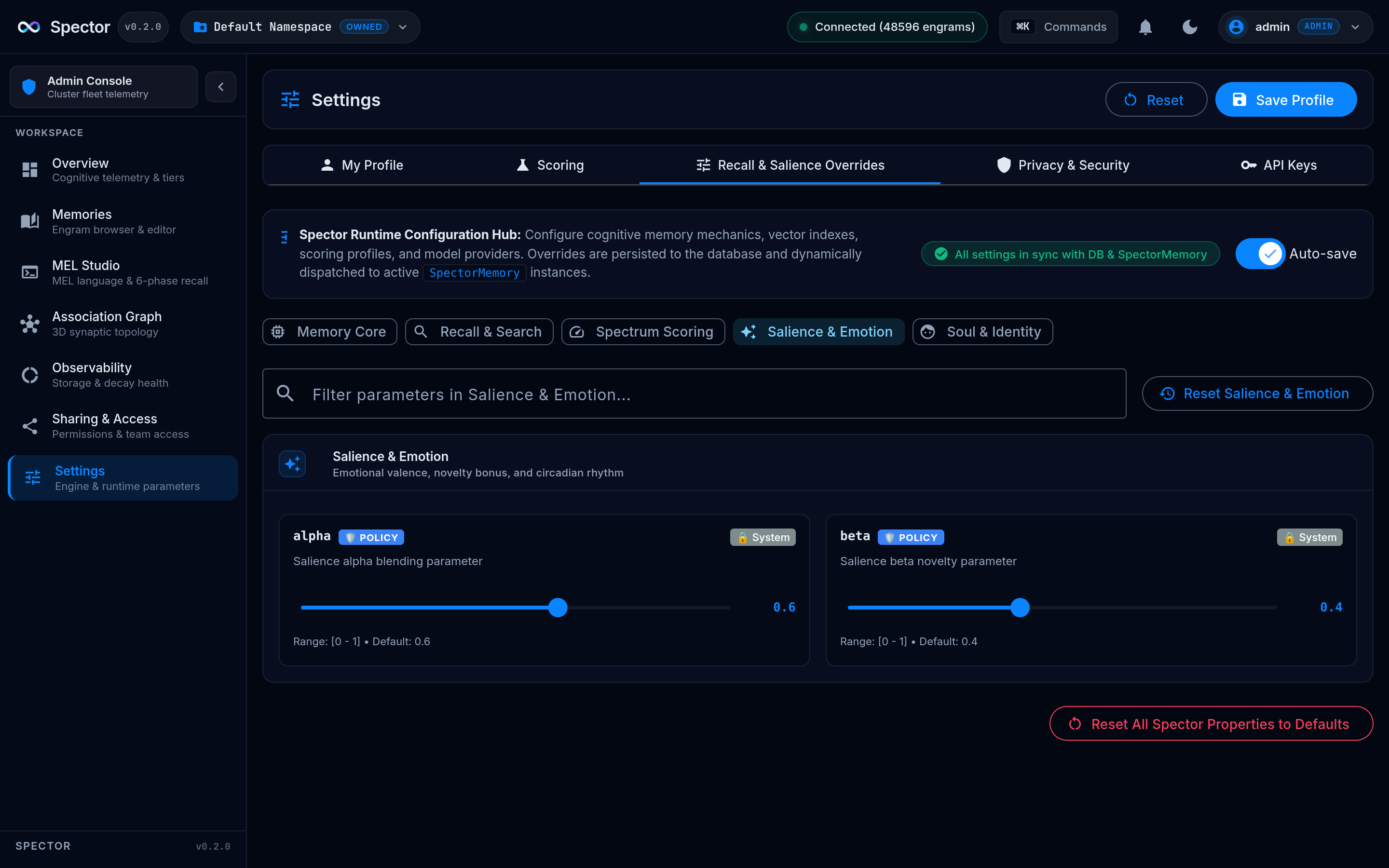
- Consolidation animation — edges dim and prune when
reflect()fires - Mouse interaction — camera follows mouse position for parallax effect
Vector Space
A Three.js point cloud of 300 memory embeddings projected into 3D via PCA:
- Points are colored by tier and sized by importance
- Query dot — when a query fires, a white pulsing sphere appears at the query vector position
- Nearest-neighbor lines — 5 translucent lines connect the query dot to its closest memories
- Camera orbits slowly with mouse parallax
Scoring Pipeline
Animated horizontal funnel showing the 6-phase cognitive scoring pipeline:
| Phase | Description |
|---|---|
| Total Records | Starting record count |
| After Tombstone | Tombstone-filtered records |
| After Tag Gate | Synaptic tag bloom filter pass |
| After Valence | Emotional valence range filter |
| After Decay | Temporal decay threshold |
| Vector Distance | L2 distance scoring |
| Final Top-K | Final result set |
Each bar animates smoothly to new values and shows the delta percentage (reduction) from the previous phase.
Decay Curve
Visualizes the Ebbinghaus forgetting curve alongside LTP (Long-Term Potentiation) reconsolidation:
- Red dashed line — raw Ebbinghaus exponential decay (no intervention)
- Primary solid line — actual retention with LTP reconsolidation bumps from recall events
- Filled area — shows the retention gain from the reconsolidation system
- X-axis spans 30 days; Y-axis shows retention percentage
Cognitive Profile Radar
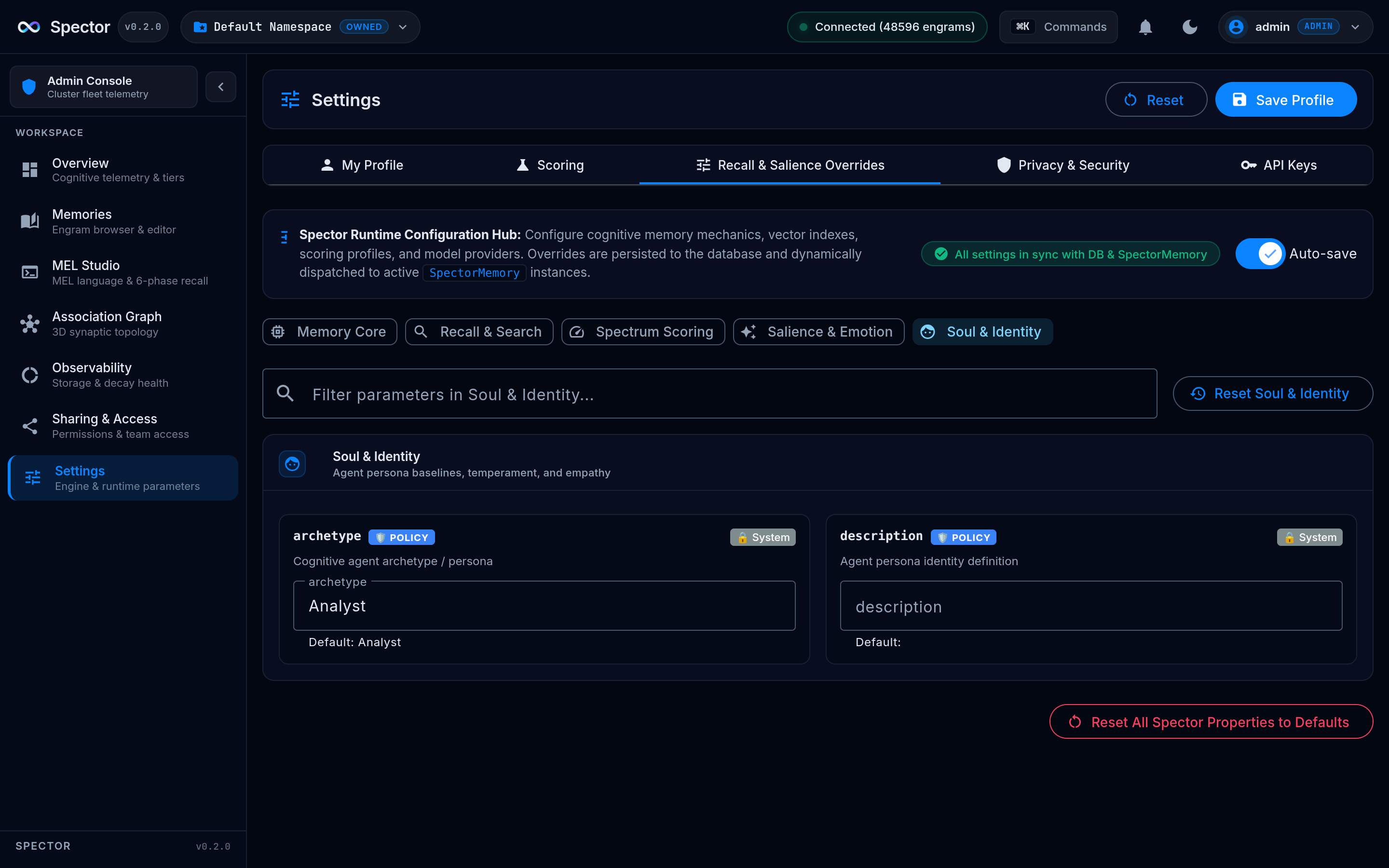
6-axis radar chart showing the current cognitive profile's thalamic modulation parameters:
| Axis | Parameter | Range |
|---|---|---|
| α Similarity | Similarity weight | 0–1.0 |
| β Importance | Importance weight | 0–1.0 |
| Strictness | Score threshold | 0–10.0 |
| Hyperfocus | Focus mode boost | 0–2.0 |
| Lateral | Divergent retrieval | 0–1.0 |
| Valence Range | Emotional filter width | 0–255 |
The radar morphs smoothly when the active profile changes (BALANCED → HYPERFOCUS → PARANOID → etc.).
Project Structure
spector-cortex/
├── src/
│ ├── app/
│ │ ├── core/
│ │ │ ├── models/
│ │ │ │ ├── cortex-events.ts # SSE event type interfaces
│ │ │ │ ├── graph-types.ts # Graph pulse interfaces
│ │ │ │ └── memory-types.ts # CognitiveProfile, PROFILE_PARAMS
│ │ │ └── services/
│ │ │ ├── cortex-state.service.ts # Signal store (single source of truth)
│ │ │ ├── mock-data.service.ts # Simulated event generator
│ │ │ └── theme.service.ts # Dark/light theme toggle
│ │ ├── features/
│ │ │ ├── dashboard/ # Main layout (3-col grid)
│ │ │ ├── header/ # Toolbar with status & controls
│ │ │ ├── neural-graph/ # Three.js neural graph
│ │ │ ├── vector-space/ # Three.js vector space
│ │ │ ├── pipeline-funnel/ # Scoring pipeline funnel
│ │ │ ├── simd-panel/ # SIMD lane heatmap
│ │ │ ├── memory-heatmap/ # Off-heap segment visualization
│ │ │ ├── profile-radar/ # Cognitive profile radar chart
│ │ │ ├── metrics-chart/ # Live metrics time-series
│ │ │ ├── decay-curve/ # Ebbinghaus + LTP chart
│ │ │ ├── query-input/ # Search bar
│ │ │ ├── query-history/ # Query timeline
│ │ │ ├── zeigarnik-tracker/ # Incomplete tension gauge
│ │ │ └── habituation-meter/ # Anti-loop mechanism gauges
│ │ └── app.component.ts # Root component
│ ├── styles.scss # Global M3 theme
│ └── index.html
├── angular.json
├── package.json
└── tsconfig.json
Design Principles
1. Angular Material 3 Tokens Only
All colors reference M3 CSS custom properties — zero hardcoded colors:
// ✅ Correct — uses M3 token
color: var(--mat-sys-primary);
background: var(--mat-sys-surface-container-high);
// ❌ Wrong — hardcoded color
color: #bb86fc;
This ensures the entire dashboard automatically adapts when switching between dark and light themes.
2. Separation of Concerns
| Layer | Rule |
|---|---|
| Components | Pure presentation only — read signals, render UI |
| Services | All business logic, state mutations, data processing |
| Templates | Separate .html files — no inline templates |
| Styles | Separate .scss files — no inline styles |
3. Canvas for Performance
All 2D charts use raw Canvas 2D API with requestAnimationFrame instead of chart libraries — this keeps the bundle small and eliminates third-party DOM overhead in animation-heavy panels.
4. Responsive Grid
The dashboard uses CSS Grid with breakpoints:
| Breakpoint | Columns | Behavior |
|---|---|---|
| > 1200px | 3 columns | Full layout |
| 768–1200px | 2 columns | Neural Graph spans full width |
| < 768px | 1 column | Single column, stacked |
Connecting to Real Data
Spector Cortex is designed to consume SSE events from spector-node. The event types map directly to signals:
| SSE Event Type | Signal | Panel |
|---|---|---|
query.trace |
currentQueryTrace |
Neural Graph, Pipeline, History |
query.vector |
queryVector |
Vector Space |
graph.pulse |
graphPulses |
Neural Graph edges |
reflect.complete |
lastReflect |
Neural Graph consolidation |
profile.change |
activeProfile |
Profile Radar, Neural Graph |
metrics.snapshot |
metricsHistory |
Metrics Chart |
habituation.update |
habituation |
Habituation Meter |
When useMockData is false, the EventStreamService connects to the configured SSE endpoint and pushes events into CortexStateService signals.
Future Roadmap
- Integration with Synaptiq — embed Cortex panels into the Synaptiq monitoring dashboard
- Async event emission — SSE events emitted on virtual threads (gated behind feature flag)
- Replay mode — record and replay cognitive sessions for debugging
- Cluster view — multi-node visualization for distributed Spector deployments
- GPU acceleration panel — CUDA kernel execution timeline visualization
- Memory diff view — before/after comparison of consolidation cycles